What a dedicated VPN IP address is
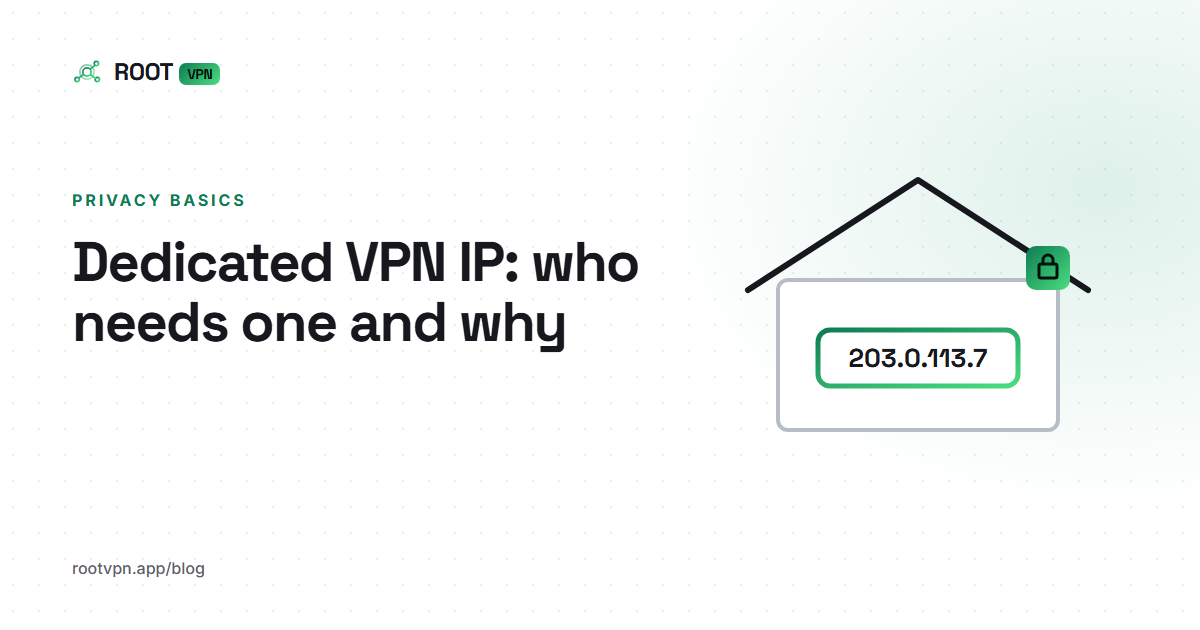
When you connect to a VPN, websites stop seeing the IP address your internet provider gave you and see the VPN server's address instead. On most services that public address is shared. Many people might leave the same server through the same IP at the same moment, and to the outside world they look alike. A dedicated VPN IP address changes that one detail, because the address is reserved for your account and nobody else uses it.
Everything else about the connection stays the same. Your traffic is still encrypted between your device and the server, your internet provider still only sees that you are connected to a VPN, and the sites you visit still see the server's address rather than your home one. The difference is consistency. Every time you connect, you arrive from the same IP, which lets other systems recognise you as a known visitor.
That consistency is the whole product. Providers who sell dedicated IPs usually charge an add-on fee on top of a normal subscription, and you pick a country when you buy. You are paying for a stable address that stays attached to you from one session to the next. It does not bring extra speed or stronger encryption, and it does not make the tunnel itself any more secure.
Shared vs dedicated: how the two compare
A shared IP is the default for good reason. Because many people use the same exit address, any single request is hard to tie back to one person. A website that records the IP sees traffic from a crowd. That is a useful property if your goal is to keep your browsing separate from your home connection and your identity, which is what most people want a VPN for in the first place.
The downside of sharing is that you inherit the reputation of everyone else on that address. If another user has been hammering a site, you may see more captchas, extra sign in checks or the occasional block. Some services also treat any known VPN address with suspicion. None of this is harmful, but it can be irritating, and it is the main reason people start looking at dedicated addresses.
A dedicated IP flips those properties. You no longer blend into a crowd, and you also stop inheriting anybody else's behaviour. Sites tend to see a steady, predictable visitor, so captchas and security prompts usually calm down over time. Put simply, shared addresses favour privacy and dedicated addresses favour recognition, and the right choice depends on which of those you need more for a particular task.
Who actually needs a dedicated IP
The clearest case is remote work. Many companies protect internal tools, admin panels and databases with an IP allowlist, which only lets in connections from approved addresses. If you work from home or travel and your employer asks for a fixed address to add to that list, a shared VPN IP will not work, because it changes and because other people use it. A dedicated address gives IT something stable to approve.
Banking and payments are the second common reason. Banks and payment providers watch for sign ins from unfamiliar or shared addresses, and may challenge or lock an account that appears to jump around. Most people are fine simply pausing the VPN for online banking or picking a nearby location. If you manage business accounts from abroad, though, a stable address can mean fewer verification loops.
The third group is people who run servers. If you host a website, a game server or a home lab, you may want to restrict remote admin access to one known address. The same applies to some email and marketplace platforms that flag logins from changing IPs. If none of these describe you, a shared address is almost certainly the better default for everyday use.
The privacy trade-off
A dedicated IP is, by design, linkable. Every site you visit through it can see that the same address came back yesterday, last week and last month. Combine that with a login, a cookie or a payment, and the address becomes a reliable marker for you personally. That is exactly what makes it useful for allowlists, and exactly why it is weaker for general browsing.
There is also the account link to consider. A provider that sells dedicated IPs knows which address was assigned to which customer, because that is how the product works. A shared pool does not have that one to one mapping. If privacy is your main reason for using a VPN, it makes sense to keep a dedicated address for the specific jobs that need it and use a shared server for everything else.
Some people run both side by side, with a work profile or browser that goes out through the fixed address and normal browsing through a shared one. That keeps the recognisable address limited to a few trusted services. Whatever you choose, remember that the IP is only one signal. Accounts, cookies and browser fingerprints can identify you whichever address you happen to use.
Does ROOT VPN offer dedicated IPs?
Not today. ROOT VPN uses shared addresses on every plan, including Plus and Pro, and we do not sell a dedicated IP add-on. We would rather say that plainly than hint otherwise. If a fixed address is a hard requirement for your job or your server, you will need a provider that sells one, and you can still use ROOT alongside it for your everyday browsing.
If your need is softer, there are workable alternatives. With Premium, which comes with Plus and Pro or can be unlocked on Free by sharing, you can choose a specific city rather than the fastest automatic location. Connecting to the same city each time keeps you in a consistent region, which is often enough to calm fraud checks and repeated location prompts, even though the exact address can still change.
For workplace allowlists, speak to your IT team before buying anything. Many organisations already run their own VPN or remote access tool for exactly this purpose, and they would rather you used that than a personal address they have to manage. For self hosted servers, key based authentication and a firewall that limits failed logins are often a better fix than a fixed IP.