Back up your phone and laptop. Update everything. Make sure Find My Device is switched on for both.
Write down how to contact your bank if a card goes missing.
Free Wi-Fi in busy places is a favourite for fake networks. Check the name with the airport signs and connect your VPN before logging in to anything.
Keep your laptop in your bag rather than on the seat next to you.
Relatives often have old routers and simple passwords. It is not a big risk for a few days but it is worth using your VPN for anything important.
And yes, you will probably end up fixing their Wi-Fi too.
Keep reading, or browse every post.
Travel means a lot of Wi-Fi you do not control. Airport lounges, hotel rooms, trains and cafés. None of it needs to be...
4 min read
Lots of us work from cafés and co-working spaces now. A few small habits keep your work and your clients safe.
3 min read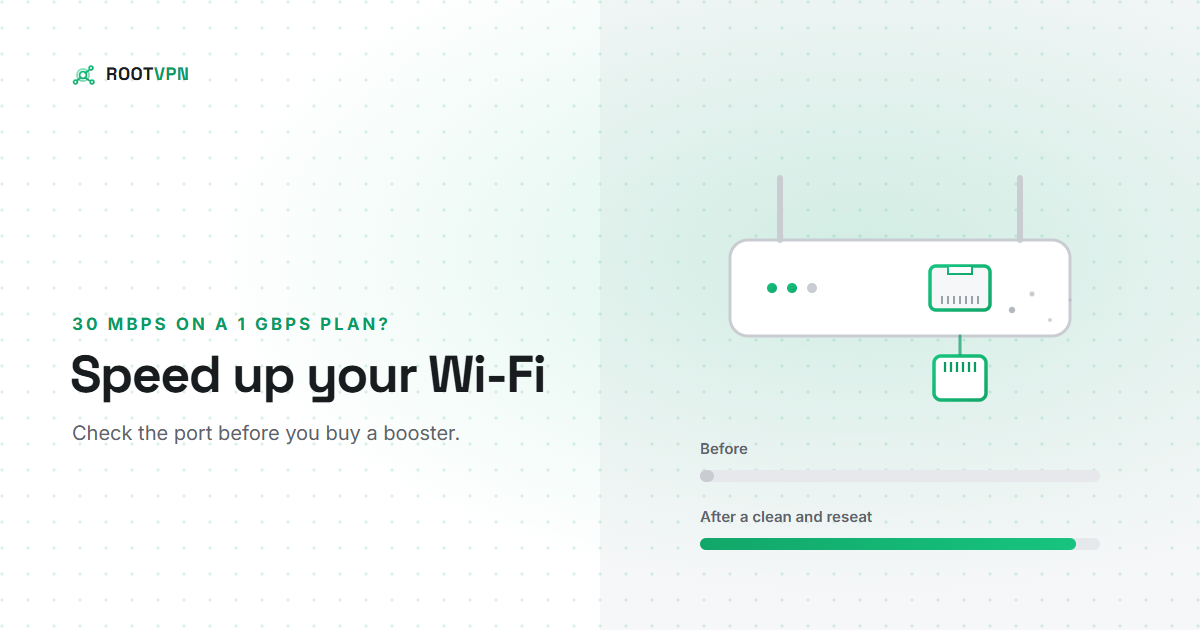
Paying for 1 Gbps and getting 30 Mbps? Before you buy a booster, check the Ethernet port on your router. How to find...
7 min readUnlimited data, no card needed. Upgrade only if you want more devices or locations.
Get ROOT VPN, free