Update your laptop and apps. Turn on two factor login for your email and bank. Make sure your laptop has a password and the disk is encrypted, which on Windows means BitLocker or Device Encryption.
Install your VPN at home and test it once. Sorting it out on hotel Wi-Fi is much harder.
Watch out for networks with names close to the real one. Ask staff which network is theirs if you are not sure. Connect your VPN before you log into anything.
Avoid public USB charging points where you can. Use your own plug instead.
Hotel Wi-Fi is shared with everyone in the building. A VPN keeps your traffic encrypted between your laptop and the VPN server so the hotel network only sees one tunnel.
Some hotels block normal VPN traffic. ROOT has more than one tunnel protocol, including one built for networks like that.
Keep reading, or browse every post.
Lots of us work from cafés and co-working spaces now. A few small habits keep your work and your clients safe.
3 min read
Christmas means busy airports, packed trains and a lot of borrowed Wi-Fi. A little prep now saves a lot of hassle later.
3 min read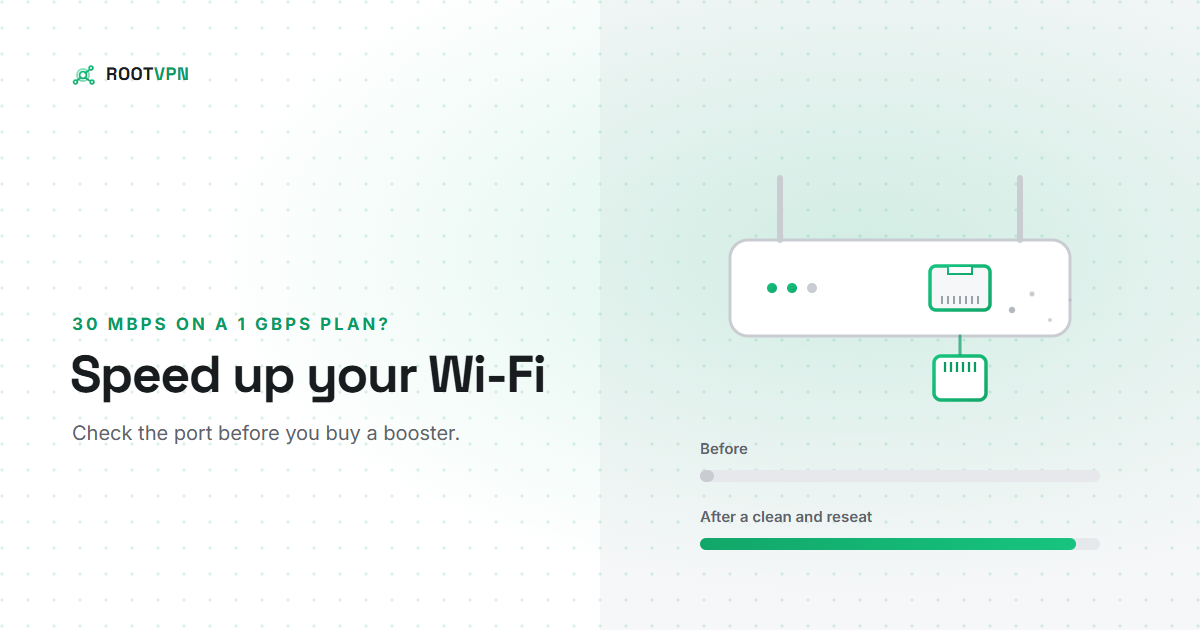
Paying for 1 Gbps and getting 30 Mbps? Before you buy a booster, check the Ethernet port on your router. How to find...
7 min readUnlimited data, no card needed. Upgrade only if you want more devices or locations.
Get ROOT VPN, free